Adobe expands removal tools across Photoshop, Premiere and Lightroom
Adobe added released removal features to Photoshop and Lightroom while putting Premiere’s cloud-processed Generative Remove tool into beta with resolution, frame-rate and clip-length limits.
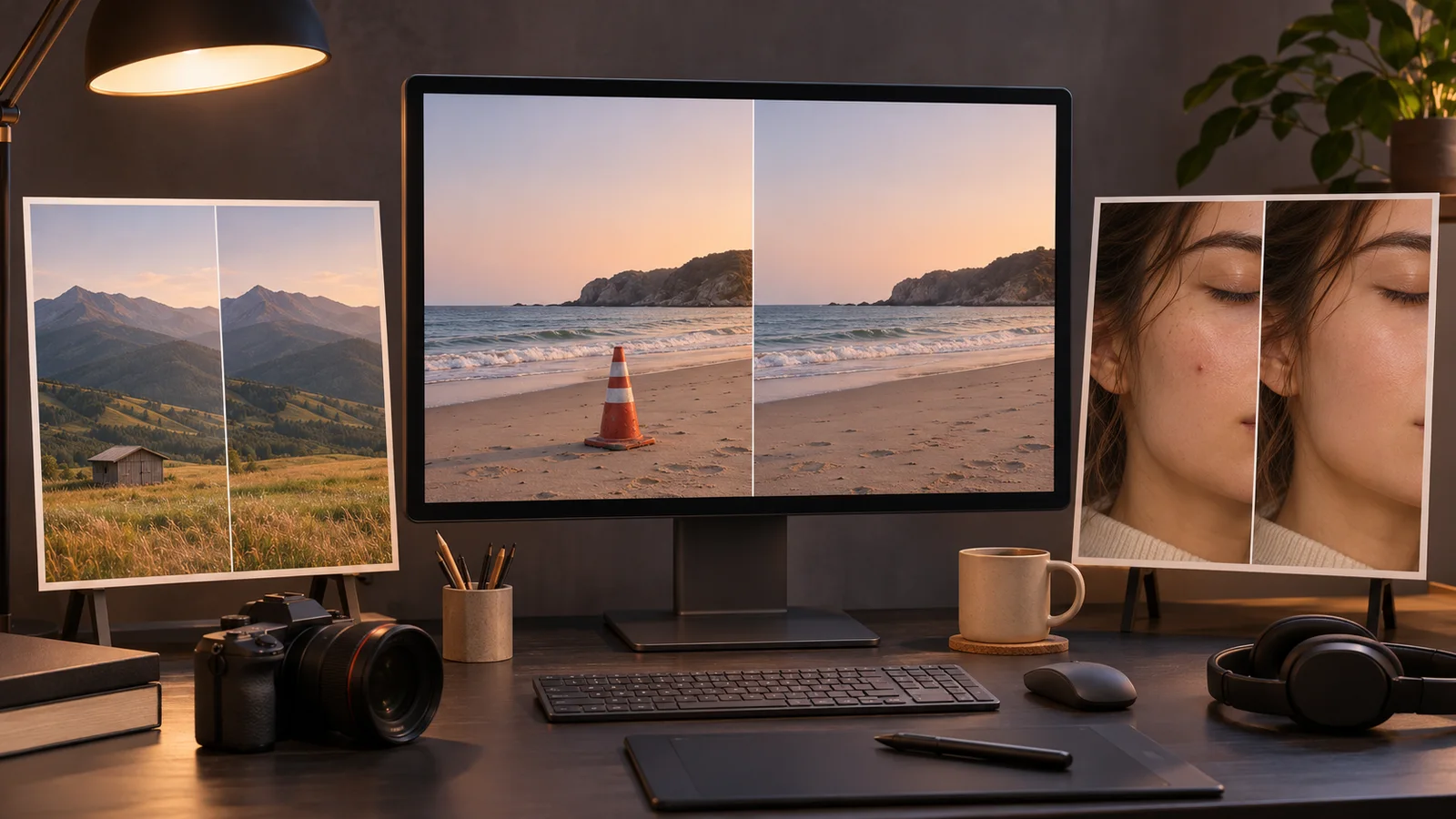
At Adobe MAX on November 10, Adobe expanded removal and retouching tools across Photoshop, Premiere and Lightroom. Related-element removal shipped in Photoshop desktop version 28.0, Generative Remove arrived in Premiere beta, and Lightroom’s Blemish Removal became available beyond its earlier mobile implementation.
The tools are arriving on different tracks. Photoshop users can access the updated Remove Tool in the released desktop app. Premiere editors need the beta app, an internet connection and generative credits for the video-removal feature. Lightroom’s Open Eyes feature remains in public beta.
The removal changes accompanied Adobe’s broader Creative Cloud workflow expansion, but their release status and technical requirements vary by application.
In Photoshop’s November 2026 release, the Remove Tool can remove a selected object along with related elements such as shadows, reflections and smoke, then reconstruct the surrounding area. Adobe lists the feature in version 28.0 rather than among separately labeled Photoshop beta features. Its documentation does not specify whether related-element removal always uses generative AI.
Generative Remove in Premiere begins with an editor creating and tracking a mask around an unwanted object. After the editor selects Remove and reviews the displayed credit cost, Premiere processes the footage in the cloud and places generated replacement content on the timeline. The editor can regenerate the result or restore the original clip.
Adobe’s Premiere beta announcement says the tool currently supports 480p through 1080p SDR footage at up to 30 frames per second and clips up to 10 seconds. Adobe advises editors to include an object’s shadows or reflections inside the tracked mask when those elements also need to be removed.
In Lightroom, Adobe said Blemish Removal is now available with one-tap retouching and controls for fine-tuning while preserving features such as freckles. Open Eyes remains in public beta and replaces closed eyes using a reference image of the same person, either selected by the user or found in the user’s library. The cited Adobe materials do not provide benchmark data for removal quality, failure rates or time saved.
More news

AWS upgrades Amazon Polly Generative engine with 14 new voices

Google launches Guided Vision in Gemini Live on Android

AWS adds GPT-6.1 Sol to Amazon Bedrock