Anthropic rolls out beta for installing Claude artifacts as desktop apps
Opening an installed artifact requires an internet connection and a sign-in to Claude Desktop. Enterprise owners must enable installation.
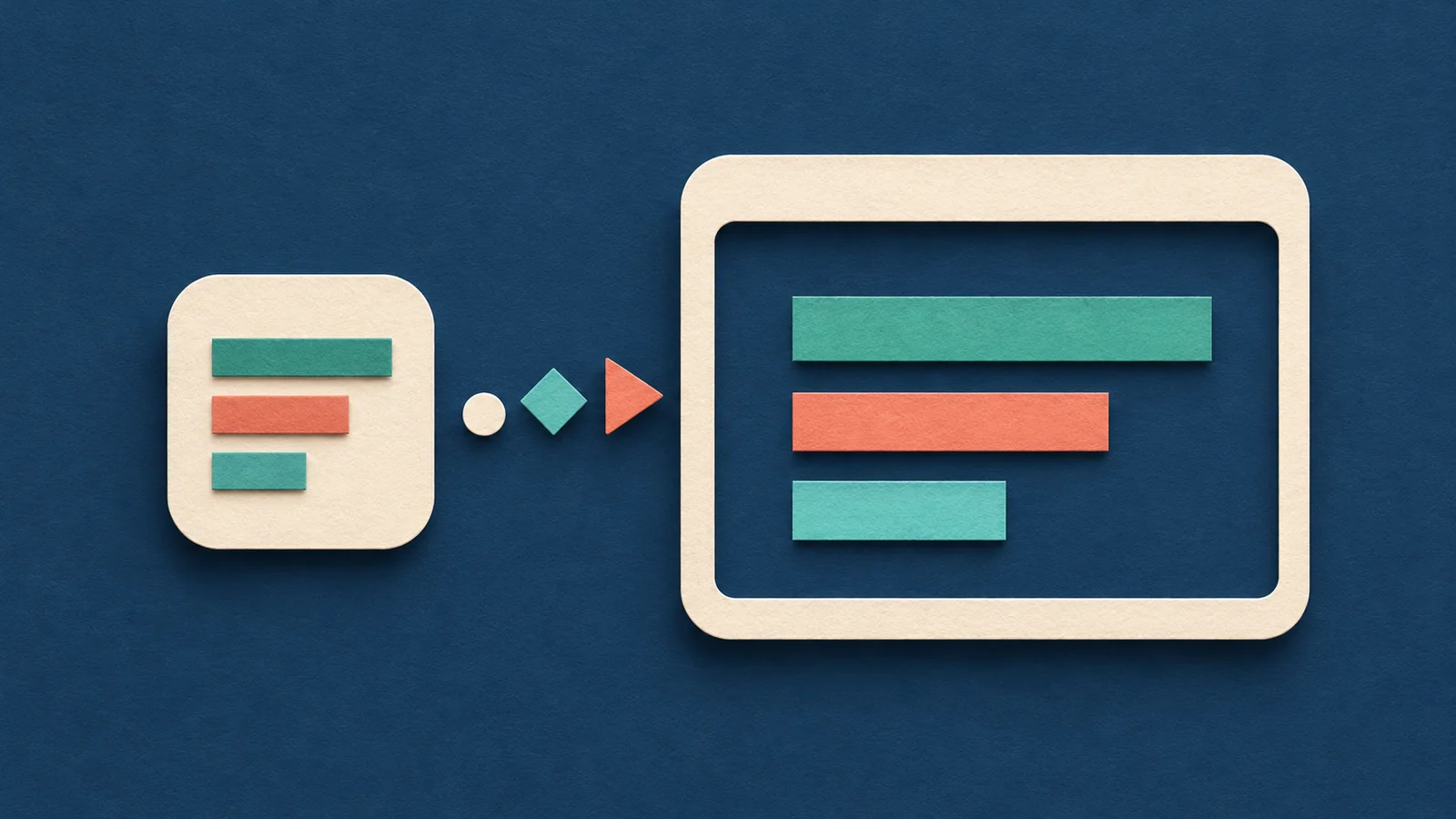
Anthropic has begun rolling out Install as app, a beta for installing supported Claude artifacts on Mac and Windows. Anthropic lists Free, Pro, Max, Ultra, Team and Enterprise as eligible and says an organization owner must enable installation on Enterprise.
Artifacts are outputs Claude creates, such as interactive trackers. Anthropic says an installed artifact gets its own icon and window. To open it, users need an internet connection and an active Claude Desktop sign-in.
Anthropic says users need Claude Desktop 6.28899.0 or later to install a supported artifact. They open the artifact in Claude Desktop, choose Install as app from Share and select Install to confirm. The company excludes artifacts made from templates such as Claude Docs, Slides and Sheets, along with legacy artifacts and live Cowork artifacts.
Anthropic says edits to the artifact update the installed app automatically. Requests the app makes to Claude count toward the user’s existing plan limits.
Where their plan and organization settings allow it, users share the underlying artifact by choosing who can open it and sending the link. Recipients can install a supported artifact if they can open it in Claude Desktop and the installation option is available.
Anthropic lists public link sharing on Pro, Max, Ultra, Team and Enterprise. On Team and Enterprise, an organization owner must enable public links for the organization or allow them for an individual artifact. Artifacts that connect to other websites cannot be shared by public link.
Anthropic says apps start with browser-level capabilities. With the App permissions tier, apps can request features such as notifications or system-wide keyboard shortcuts. Users can allow or deny each request.
An approval applies to the current app version. Anthropic says Claude asks again about approved permissions after an update, while a denial stays in place until the user changes it. Code an app loads from another site can change without a new prompt.
An eligible app with full computer access can run programs and read, change or delete files without a separate prompt for each action, Anthropic says. Users can grant that access to apps they made themselves or, on Team and Enterprise, apps made within their organization, subject to organization settings where they apply. Claude generally blocks requests if an outside author contributed or it cannot confirm who made the app, according to the installation guide.
Anthropic says Team and Enterprise organizations can control installation and permissions. Team defaults to allowing installation and app permission requests, with full computer access off. Enterprise starts with all three off, as do organizations with customer-managed encryption keys or organization-wide zero data retention.
On both plans, Anthropic says device policy can restrict these settings and the stricter setting applies. The beta excludes HIPAA-ready organizations and hybrid deployments, the company says.
More news

Anthropic opens Enterprise Frontier Safeguards public beta

Du launches National HyperAI for UAE government and business customers
ClickHouse announces five-year expansion of its AWS partnership