Unsloth Studio adds desktop computer use in beta
Unsloth Studio’s new desktop controls are off by default. Unsloth says compatible models can take screenshots and use the mouse and keyboard in apps on macOS, Windows and Linux once users enable the feature.
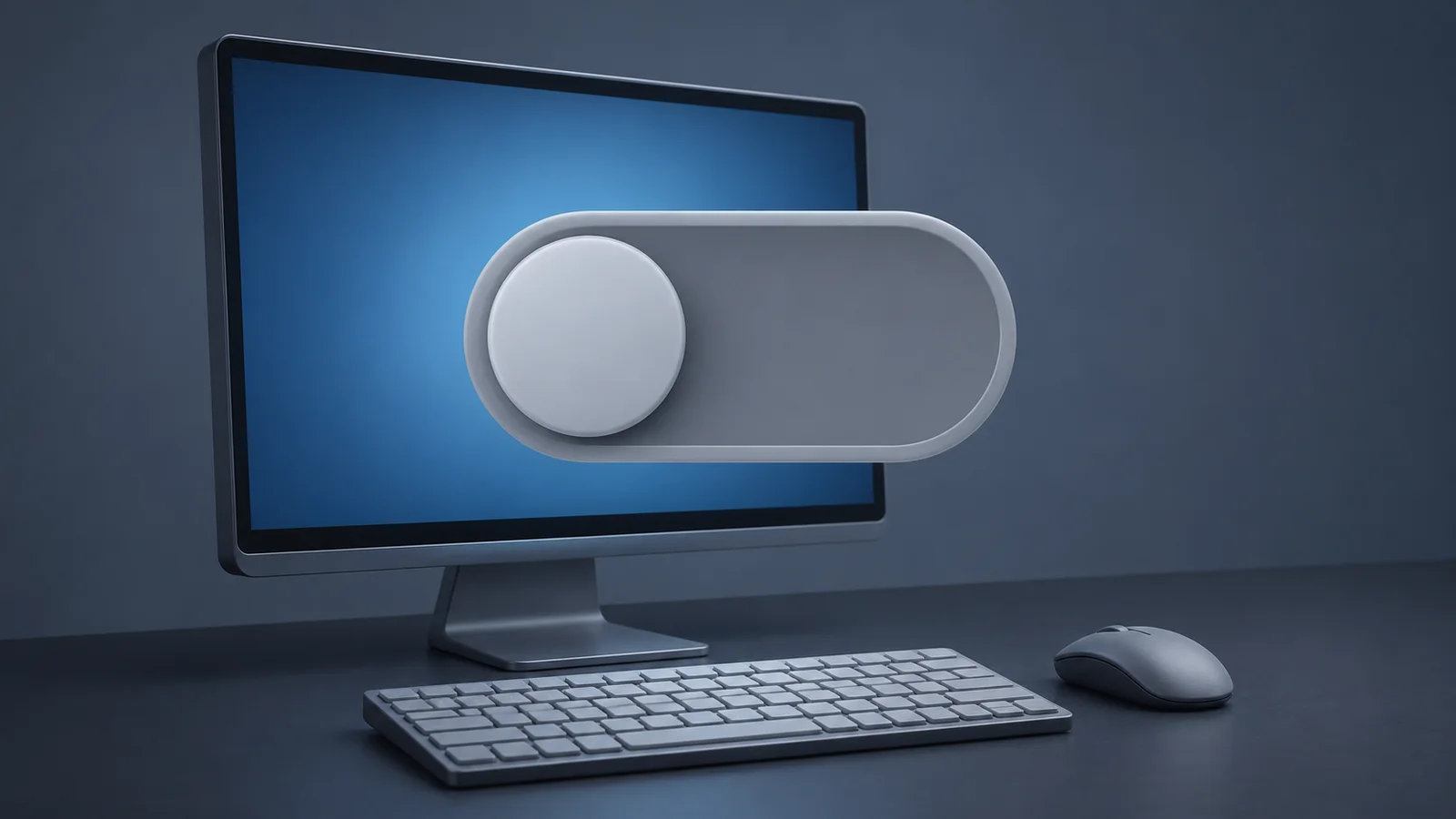
Unsloth added an opt-in Computer Use beta to Unsloth Studio in v0.1.918-beta. The company says the feature is off by default and lets compatible models take screenshots and use the mouse and keyboard in desktop apps on macOS, Windows and Linux.
Unsloth says local vision models and models from connected API providers can use the feature if they can process images and call tools. Its guide limits desktop control to a local Studio session run by the installation owner.
The guide describes two steps to enable the feature, one in Settings and one in the chat composer. On macOS, it lists Screen & System Audio Recording and Accessibility permissions.
The guide says Studio asks for approval before the first action in a chat unless Full access mode is on. The guide also describes prompts for the first click or keystroke in a new app and for actions Studio classifies as risky.
Unsloth says its Blocked apps setting is designed to prevent Studio from clicking, typing in or opening listed apps. The guide lists stopping the session from chat or moving the pointer to a screen corner as ways to take back control.
On Linux, the original beta required an X11 session, according to Unsloth’s guide. The company says it added Wayland support in v0.1.920-beta through the desktop portal.
The v0.1.918-beta release separately adds support for the MiniMax-H3-Image model. Unsloth offers GGUF weights for use with stable-diffusion.cpp and lists FP8 and INT8 weights for NVIDIA GPUs.
More news
Walmart opens Black Friday checkout in Meta’s Muse
Gallium Studios selects Artificial Agency’s Behavior Engine for MyMems

UAE unveils Mira AI assistant, previews school features for parents