Meta opens Muse Gadget SDKs for ESP32 and Linux
Meta has released open-source Muse Gadget SDK code and firmware for ESP32 boards and Linux devices, giving developers two ways to connect hardware to its Muse agent. Pairing still requires a separate token.
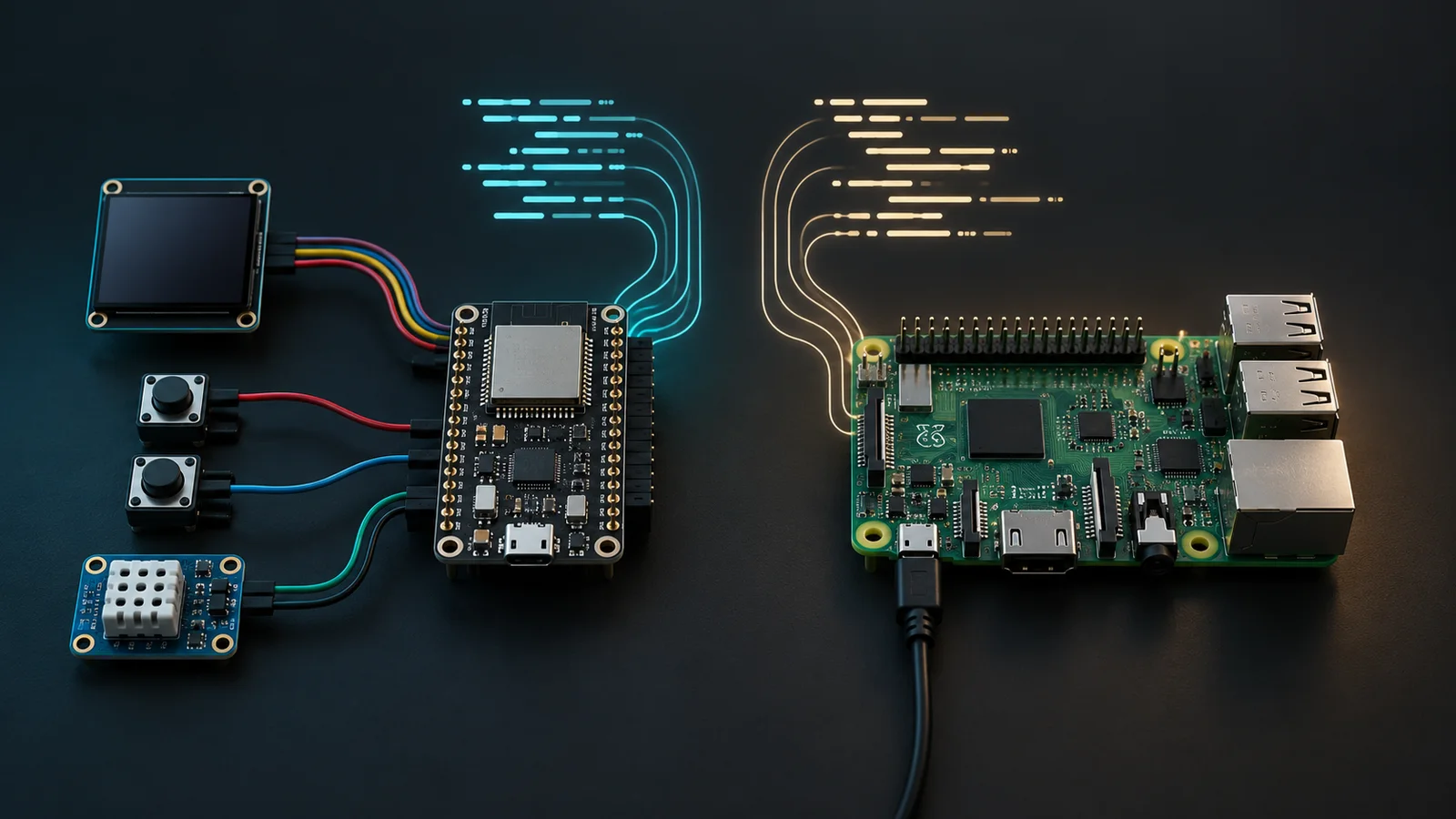
Meta has released open-source Muse Gadget SDKs and firmware for ESP32 boards and Linux computers. Developers can use the code to build physical interfaces for the Muse agent with displays, buttons, sensors, audio hardware and local devices.
The release brings hardware development to Meta’s Muse personal AI agent through two paths: flashable firmware for compatible ESP32 boards and a Linux SDK that can turn a Raspberry Pi or another Bluetooth Low Energy computer into a Muse gadget. Every gadget requires a Muse Gadget SDK token to pair, including devices developers build for their own use.
The ESP32 Device SDK handles input and output through displays, buttons, microphones, speakers, sensors and images. Boards with enough memory can also use a tunnel that lets Muse reach a device exposing a local HTTP API. Meta specifies ESP-IDF 6.0.1 as the build environment and lists working configurations across ESP32-C5, ESP32-S3 and ESP32-C6 boards, among others. Features vary by board.
The Linux Device SDK supports Raspberry Pi and other Bluetooth LE Linux computers, including Raspberry Pi 3B+, 4, 5 and Zero 2 W models. Meta lists Raspberry Pi OS Bullseye or later, Debian 11 or later, and Ubuntu 22.04 or later in 32-bit and 64-bit configurations. The SDK can run shell commands, transfer files in chunks and report device health. Developers can extend it with more commands, sensors or webhook bridges. Commands inherit the permissions of the account used for installation, including sudo access when that account has it.
Pairing happens through the Muse app on iOS or Android after Developer mode is enabled under Settings and Devices. Meta warns that pairing a community device does not verify its manufacturer or prevent an active man-in-the-middle attack. It recommends completing setup on a trusted network.
Meta licensed the repository under Apache License 2.0, with identified exceptions for third-party code, a pixel-font file, build-time dependencies and the Jollybot avatar. The code license does not remove Muse’s separate access requirement: every gadget still needs a Muse Gadget SDK token to pair.
More news

Meta launches Enterprise Platform and names CJ Desai to lead it

Amazon blocks Meta’s Muse agent from shopping on Amazon.com
Meta launches Muse personal AI agent for background tasks