Google adds background computer use to Gemini for Mac
Google is rolling out computer use in Gemini for Mac, enabling eligible U.S. users to automate workflows across local files, desktop apps and the web in a separate background window.

Google is rolling out computer use in the Gemini app for Mac, giving eligible U.S. users a way to hand off multi-step workflows across local files, desktop apps and the web. The work runs in an isolated background window, leaving the Mac’s main screen and cursor available for other tasks.
Access is limited to people 18 and older using personal Google accounts in English in the United States. The feature is available on Google AI Plus, Pro or Ultra plans and requires an Apple Silicon Mac running macOS Sequoia 15.0 or later.
Once a user describes a workflow, Google says Gemini can navigate menus, click, type and complete forms. A live preview in the Gemini chat shows each step as it happens.
Users decide which apps Gemini may access. Google says they can pause a task at any time and must approve key actions before they occur.
The Mac release extends Gemini’s automation beyond Google’s earlier Task mode rollout for eligible personal accounts by adding access to user-selected desktop apps and local files.
Google has not provided a more specific rollout schedule. The available sources also do not include independent tests of the feature’s reliability or approval safeguards.
More news
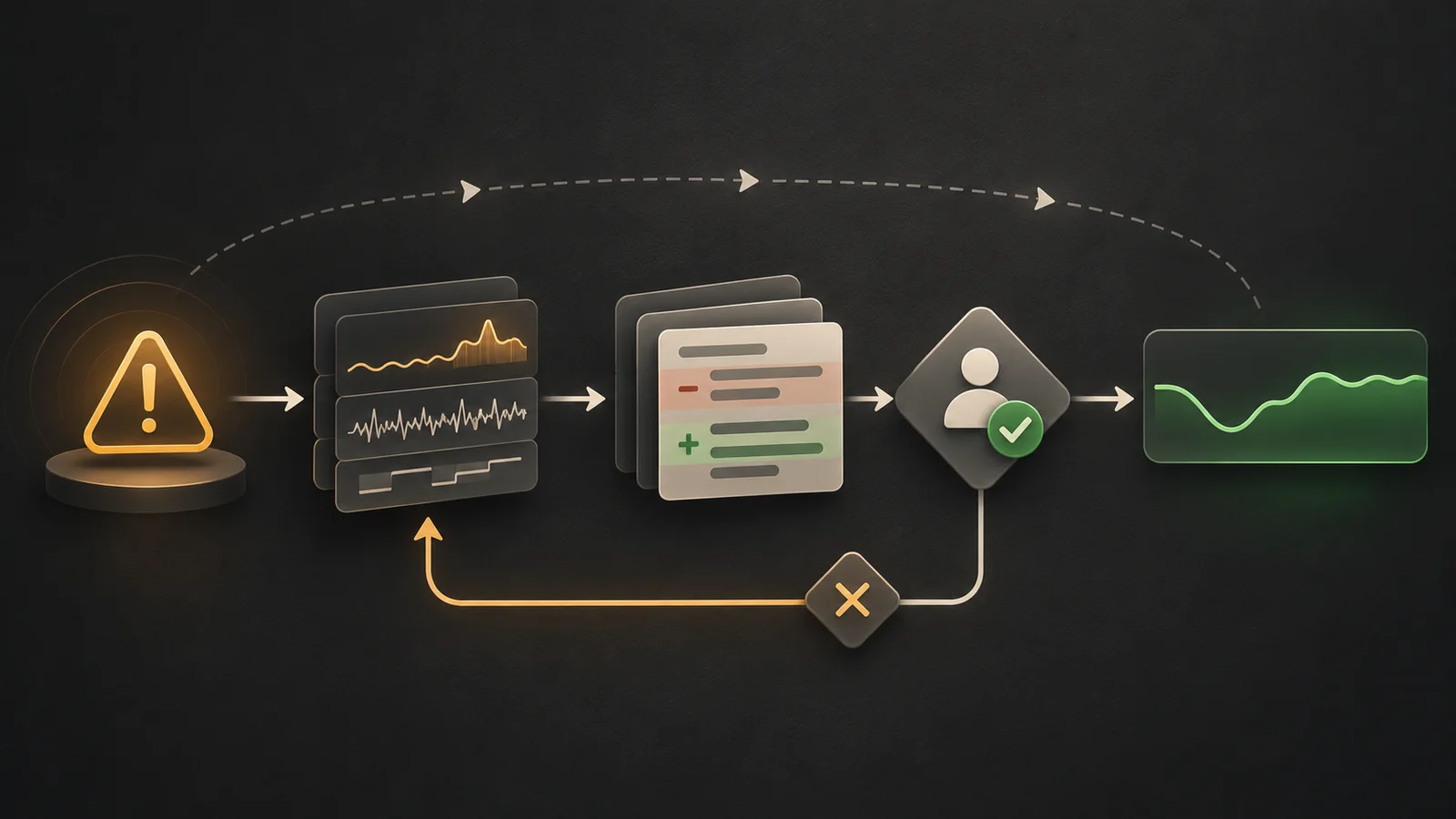
OpenAI details Codex workflow for ChatGPT performance regressions
Superhuman expands Go across Docs and Mail as assistant rollout begins

Pydantic AI adds Azure Durable Task recovery for agent runs