Magnific launches Magnific One image generator with Brand Kit controls
Magnific One’s optional Brand Kit turns websites, PDFs, images or written descriptions into reusable guidance for palette, typography, imagery and tone.
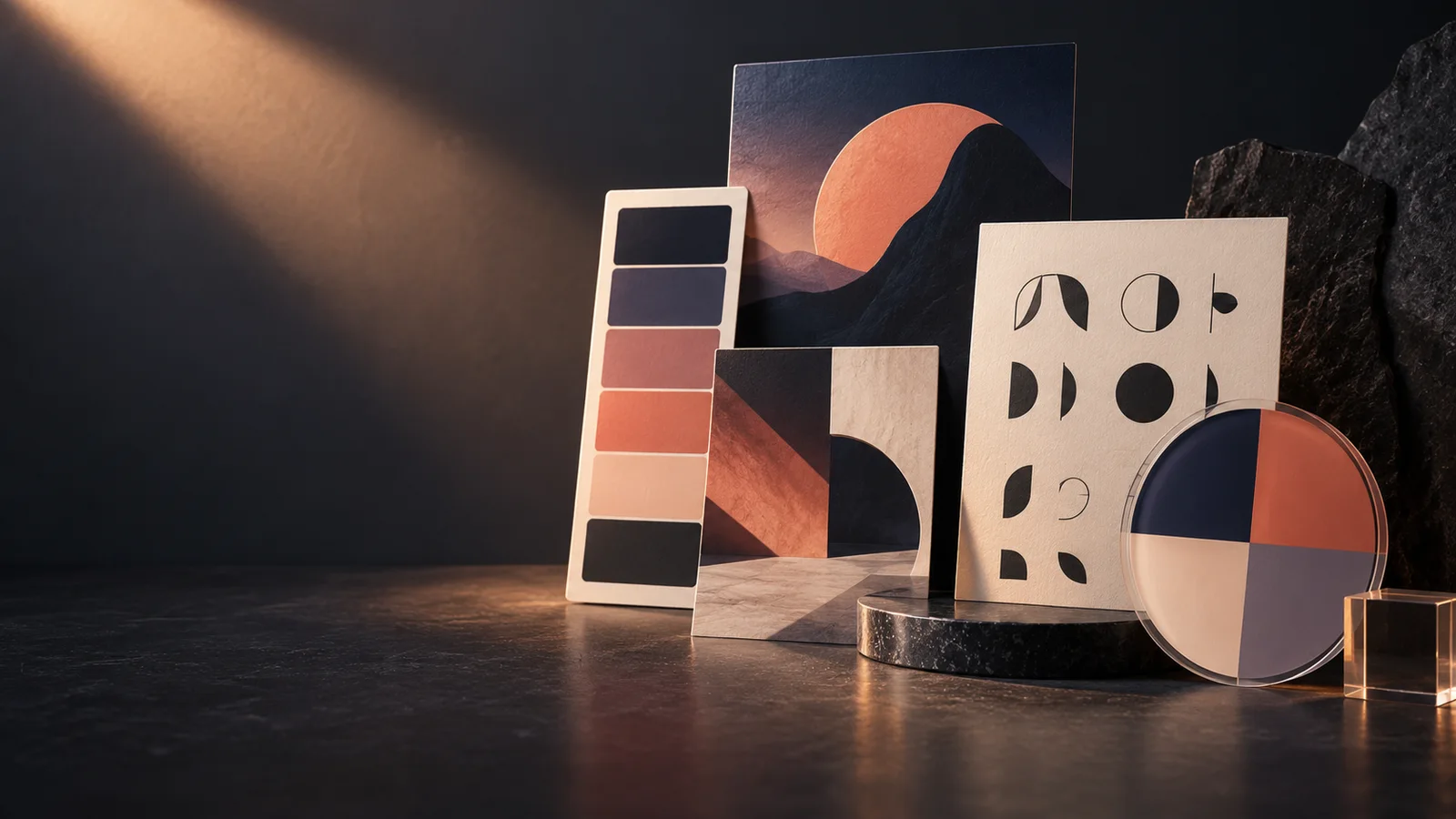
Magnific launched Magnific One on October 8 with an optional Brand Kit designed to carry reusable visual direction into finished images. The company said Magnific One was available worldwide that day on paid plans through its web, desktop and mobile apps, as well as Magnific MCP.
According to Magnific, users can build a Brand Kit from a website, brand-guidelines PDF, example images or a written description. An agent creates a first version covering the logo, color palette, typography, imagery and tone. Users can then review and refine the guidance rather than repeat the same constraints in every prompt.
Brand Kit operates in the product’s Final mode. Magnific says every Final image is checked against the selected guidance. Teams can share a kit or use separate kits for client projects, and an off-brand judgment can be saved as a rule for future generations.
For exploration, Magnific’s product page says Draft mode generates grids of eight or 16 options. For production, Final mode supports output up to 4K and lets users specify exact type, colors and text without regenerating the image. Auto Layers can split a generated image into editable layers, while the Designer tool provides vector controls for final adjustments.
Before generating an image, Magnific says a creative-direction layer interprets the prompt. The company credits that layer with producing more vivid, lifelike and original images, and positions Brand Kit as a way to make a team’s output more consistent. Those claims have not been independently established: the available source material includes no benchmark showing that Magnific One produces higher-quality images or follows brand rules more reliably than competing workflows.
More news
OpenAI plans visual ads for ChatGPT image generation
OpenAI launches ChatGPT Images 2.5 and two API models
Google launches Gemini Omni Flash video model and Nano Banana 2 Lite for developers
 Dmytro Spodarets·Jun 30, 2026