Google Cloud details how AlloyDB Omni calls local models from SQL
Google's Kubernetes walkthrough uses Ollama to summarize sample customer feedback, with Gemma 4 as the example and Qwen3.8 as an alternative.
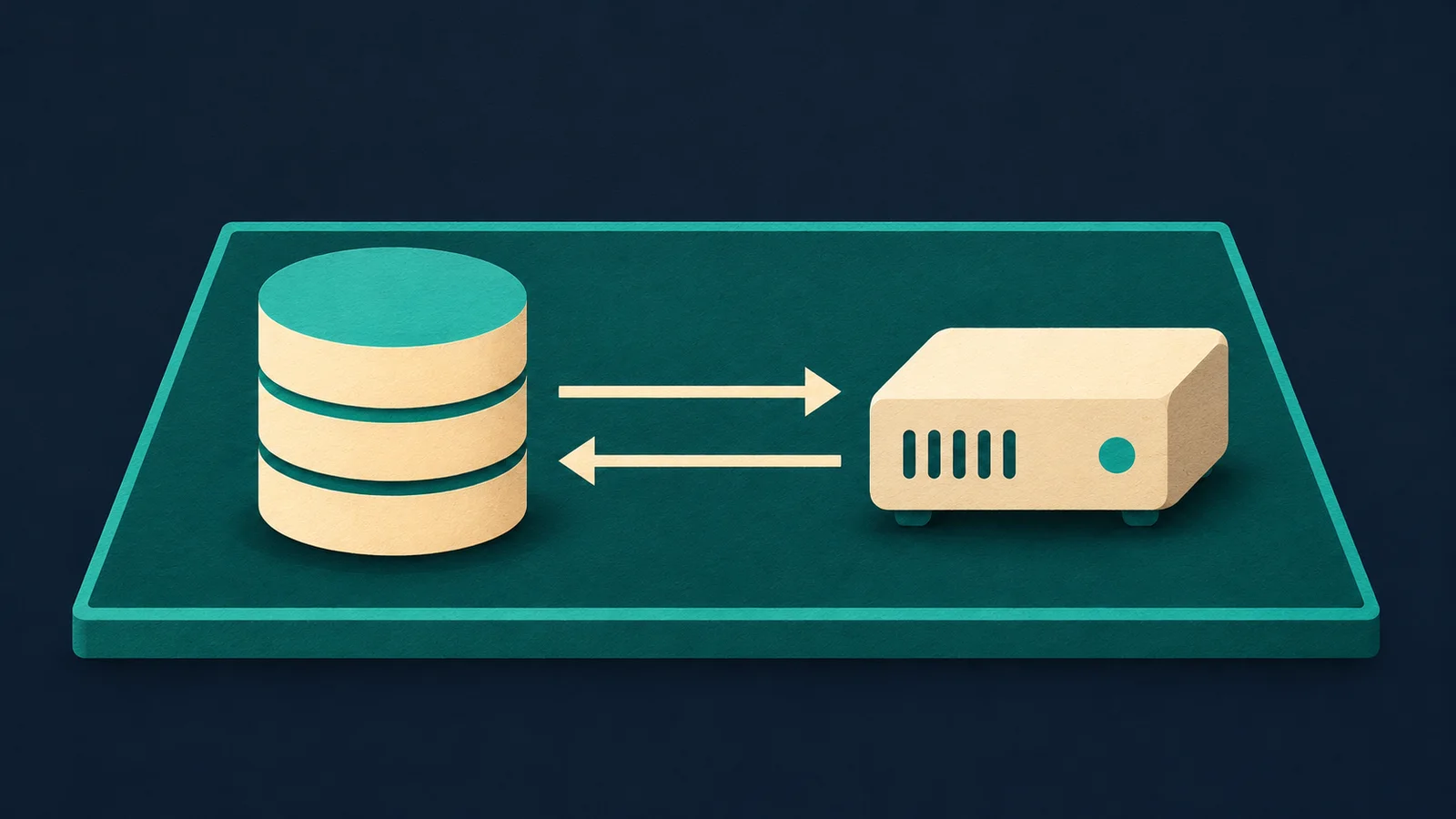
Google Cloud said self-managed AlloyDB Omni can call a locally hosted model server directly from SQL and published a walkthrough for users to test the integration. A query can send text to a server the user hosts and return the generated response in the query result.
Google’s example runs the database and an Ollama model server on the same Google Kubernetes Engine cluster. Google says prompts, data passed to the model and responses stay inside that environment when the database calls Ollama through an internal Kubernetes service. The walkthrough downloads container images and model weights during setup.
The example pairs AlloyDB Omni 18.4.0 with Kubernetes operator 1.9.0, a combination Google lists as compatible for Kubernetes deployments. The walkthrough uses Ollama’s unpinned latest image and requests 16 GiB of memory for Gemma 4. A comment in the example suggests 24 GiB for Qwen3.8. The walkthrough does not specify minimum database or Ollama versions for the integration.
The walkthrough uses the google_ml_integration extension to register Ollama’s OpenAI-compatible chat endpoint. To register a model endpoint, Google requires model support to be enabled and the database to be able to reach the server. To run AI functions from SQL, Google’s guide calls for version 1.5.2 or later of the extension and an enabled AI query engine.
The walkthrough uses Gemma 4 and gives Qwen3.8 as an alternative. The sample query passes the registered model’s ID to ai.generate. It asks the model for a one-sentence summary of each sample customer comment and shows the summaries in the query result.
More news
Snowflake makes SQL controls for Iceberg table properties generally available

Snowflake makes error logging and CHECK enforcement generally available for Snowpipe and COPY INTO

Google Cloud details AI-generated metadata preview for Cloud Storage